#include "MusicDefinitions.h" #include "XT_DAC_Audio.h" int8_t PROGMEM SARKI1[] = { NOTE_A5,BEAT_05, NOTE_C6,BEAT_05, NOTE_C6,BEAT_05, NOTE_AS5,BEAT_05, NOTE_AS5,BEAT_05, NOTE_A5,BEAT_05, NOTE_A5,BEAT_05, 0,BEAT_05, NOTE_A5,BEAT_05, NOTE_C6,BEAT_05, NOTE_C6,BEAT_05, NOTE_AS5,BEAT_05, NOTE_AS5,BEAT_05, NOTE_A5,BEAT_05, NOTE_A5,BEAT_05, 0,BEAT_05, NOTE_A5,BEAT_05, NOTE_C6,BEAT_05, NOTE_C6,BEAT_05, NOTE_AS5,BEAT_05, NOTE_AS5,BEAT_05, NOTE_A5,BEAT_05, NOTE_A5,BEAT_05, 0,BEAT_05, NOTE_G5,BEAT_05, NOTE_AS5,BEAT_05, NOTE_AS5,BEAT_05, NOTE_A5,BEAT_05, NOTE_A5,BEAT_05, NOTE_G5,BEAT_05, NOTE_G5,BEAT_05, 0,BEAT_05, NOTE_F5,BEAT_05, NOTE_A5,BEAT_05, NOTE_A5,BEAT_05, NOTE_G5,BEAT_05, NOTE_G5,BEAT_05, NOTE_F5,BEAT_05, NOTE_F5,BEAT_05, 0,BEAT_05, NOTE_E5,BEAT_05, NOTE_G5,BEAT_05, NOTE_G5,BEAT_05, NOTE_F5,BEAT_05, NOTE_F5,BEAT_05, NOTE_E5,BEAT_05,…

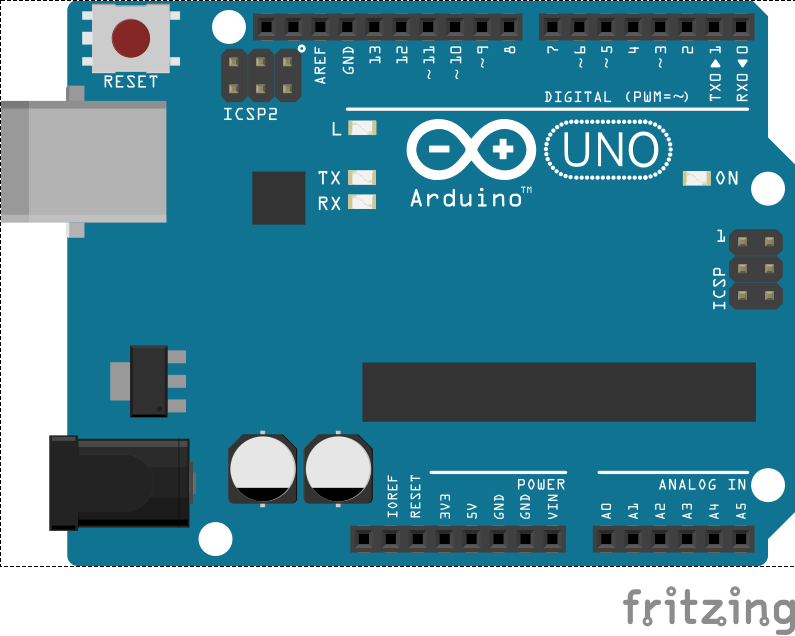

[code]
// the setup function runs once when you press reset or power the board
void setup() {
// initialize digital pin LED_BUILTIN as an output.
pinMode(LED_BUILTIN, OUTPUT);
}
// the loop function runs over and over again forever
void loop() {
digitalWrite(LED_BUILTIN, HIGH); // turn the LED on (HIGH is the voltage level)
delay(1000); // wait for a second
digitalWrite(LED_BUILTIN, LOW); // turn the LED off by making the voltage LOW
delay(1000); // wait for a second
}
[/code]
ardunio da bir buton ile 3 led yakma projesinde yardımcı olabilir misiniz? Sırası ile butona 1 kez basıldığında 1. led yanacak diğer iki led sönük olacak 2. kez bastığımızda 1. ve 3 led sönecek 2. led yanacak 3. kez bastığımızda 1 ve 2. led sönecek 3. led yanacak. döngü bu şekilde sürekli tekrar edecek.
Biz de bu tarz ödevleri öğrencilere veriyoruz. bu sizin göreviniz. Burada teknik konularda yardımcı olabilirim.